

Who can use this screen
Seeing every request in the organisation takes View rules and their evaluations — System Administrator, Maintenance Administrator, Auditor and Executive by default. Anyone without it sees You may not read this. See roles.The figures in the header
Only the figures that are above zero are shown.
The list shows the 300 oldest requests. When there are more, the screen says so; the figures above always cover all of them.
Needs attention
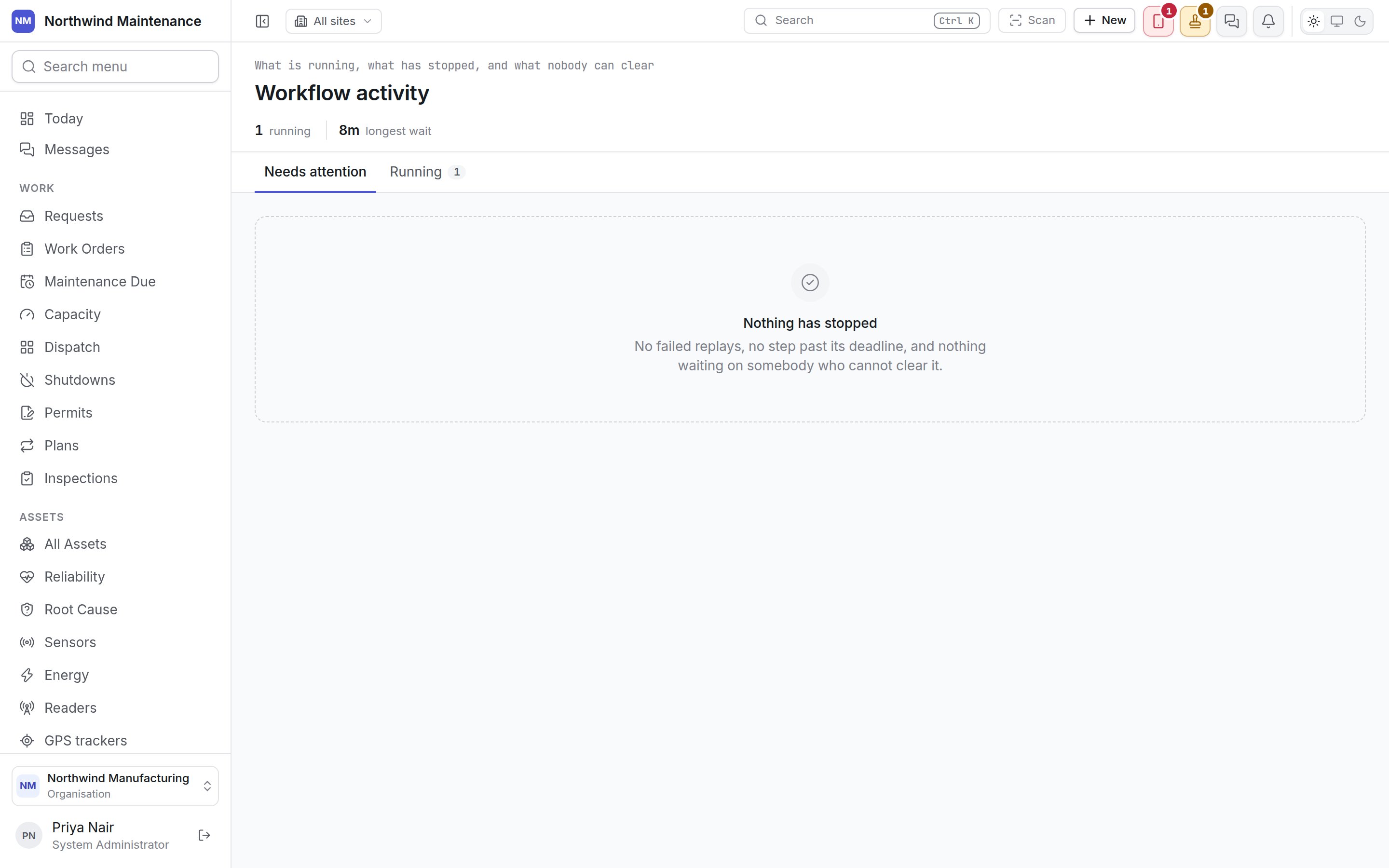
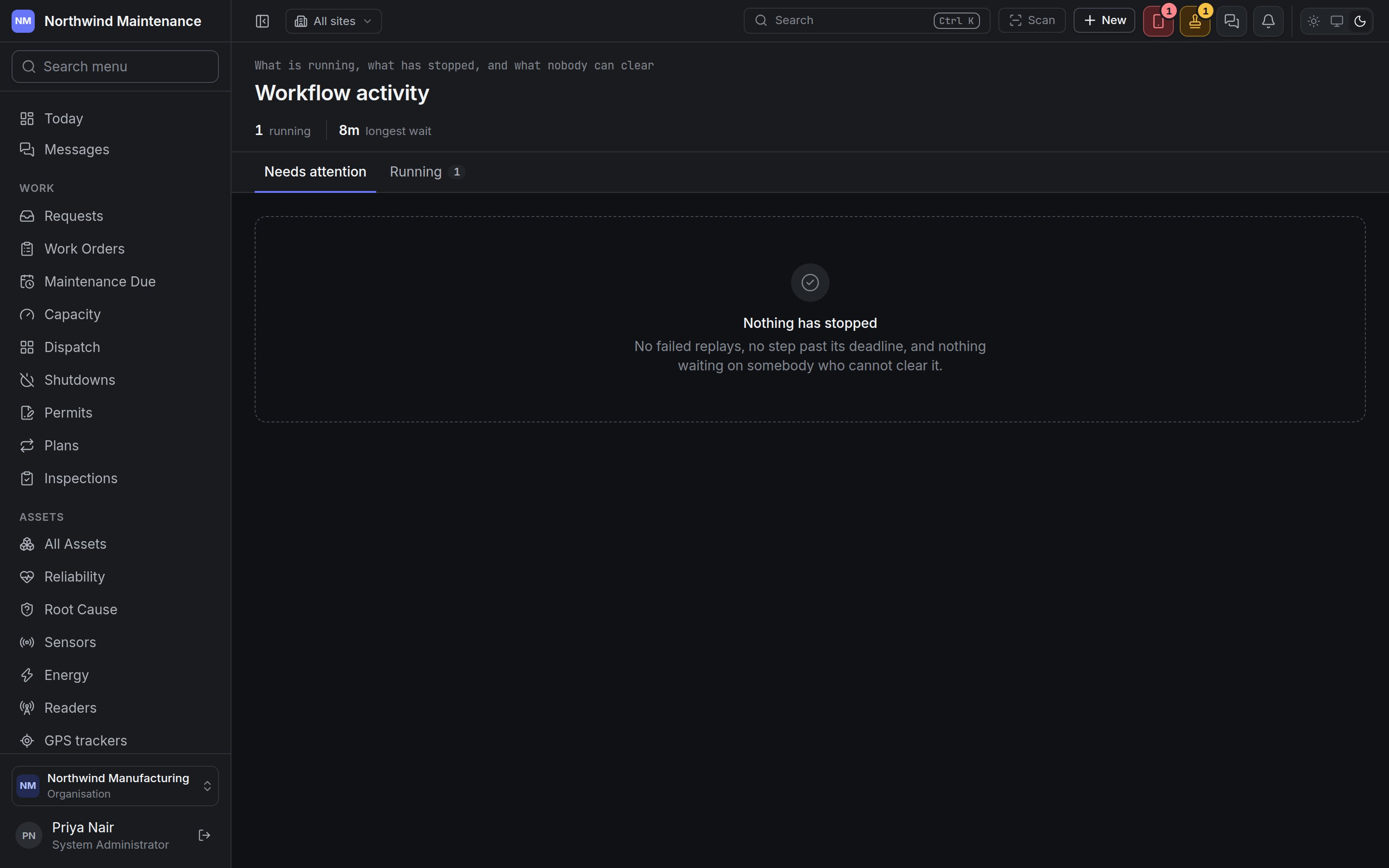
The first tab lists only what needs somebody to act. Nothing has stopped — no failed replays, no step past its deadline, and nothing waiting on somebody who cannot clear it means all is well.Running
The second tab lists every request currently waiting, healthy or not, headed Waiting on … with N of M steps outstanding. Nothing is held means every write is going straight through.What each row shows
The decision itself is made on Approvals, by whoever the waiting step names.