

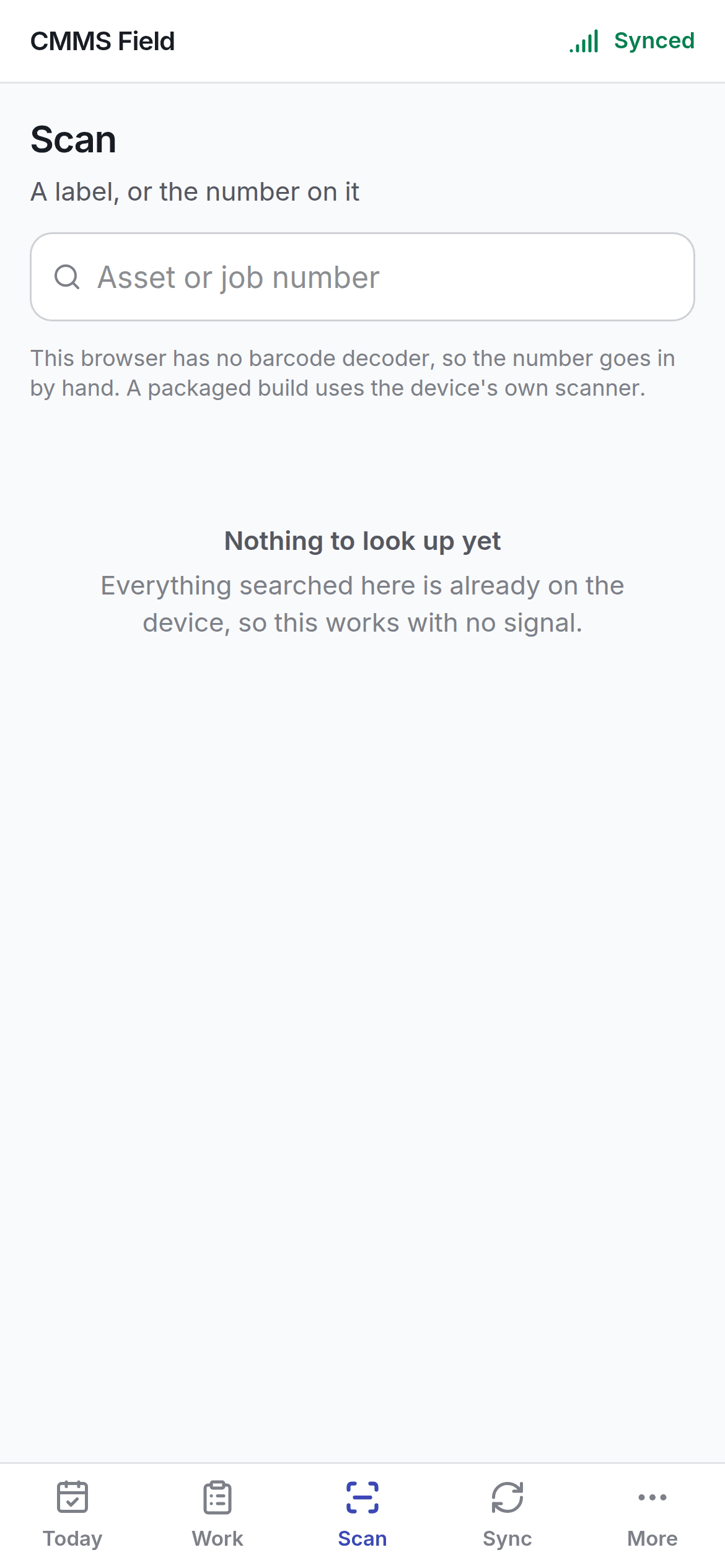
Two ways in
- The camera, where the handset’s browser can decode a barcode.
- Typing, which always works.
The typing path is not a fallback
Barcode decoding in the browser is not available everywhere — it depends on the handset and the browser. Shipping only the camera would mean a screen that does nothing on some phones; shipping only typing would mean a scanner that never scans. You get both, and the camera is offered where it exists.The search is local first
Scanning searches the assets and jobs already on the device, before anything else. That is the whole point — a scanner that needs a network is a scanner that fails in the plant room where the label is. What happens if that local search comes up empty is its own section, below.What you can find
- Assets, by asset number or barcode.
- Work orders, by number.
When the device doesn’t recognise it
Local search runs first, always — it’s instant and it works with no signal. If nothing on the device matches, and the handset has a connection, the app now asks the server before giving up. That fallback covers more than assets and work orders: it can resolve a tool, a bin, a site, or an RFID tag that simply isn’t part of what synced to this device. The result comes back as the same kind of record card either way — there’s no visible seam between “found locally” and “found on the server,” beyond it taking a moment longer.A code that exists but sits outside your access reports not found, the same as a code that
doesn’t exist at all. The scanner never confirms a record is there and merely off-limits — that
would leak more than a “not found” screen should.
If nothing is found
Either the label doesn’t match anything, local or server, or the record has not synced and there’s no signal to ask with. Check the Sync tab — a job assigned to you five minutes ago will not be on the device until it has had signal, and won’t resolve from the server either until that sync completes.On the web app
Scan is reached from a header button beside Search rather than its own screen — see navigating for the header generally. Scanning a QR code there resolves through a short URL,/s/<code>, straight to a result page — useful for a code scanned by an
ordinary phone camera outside the app entirely.