

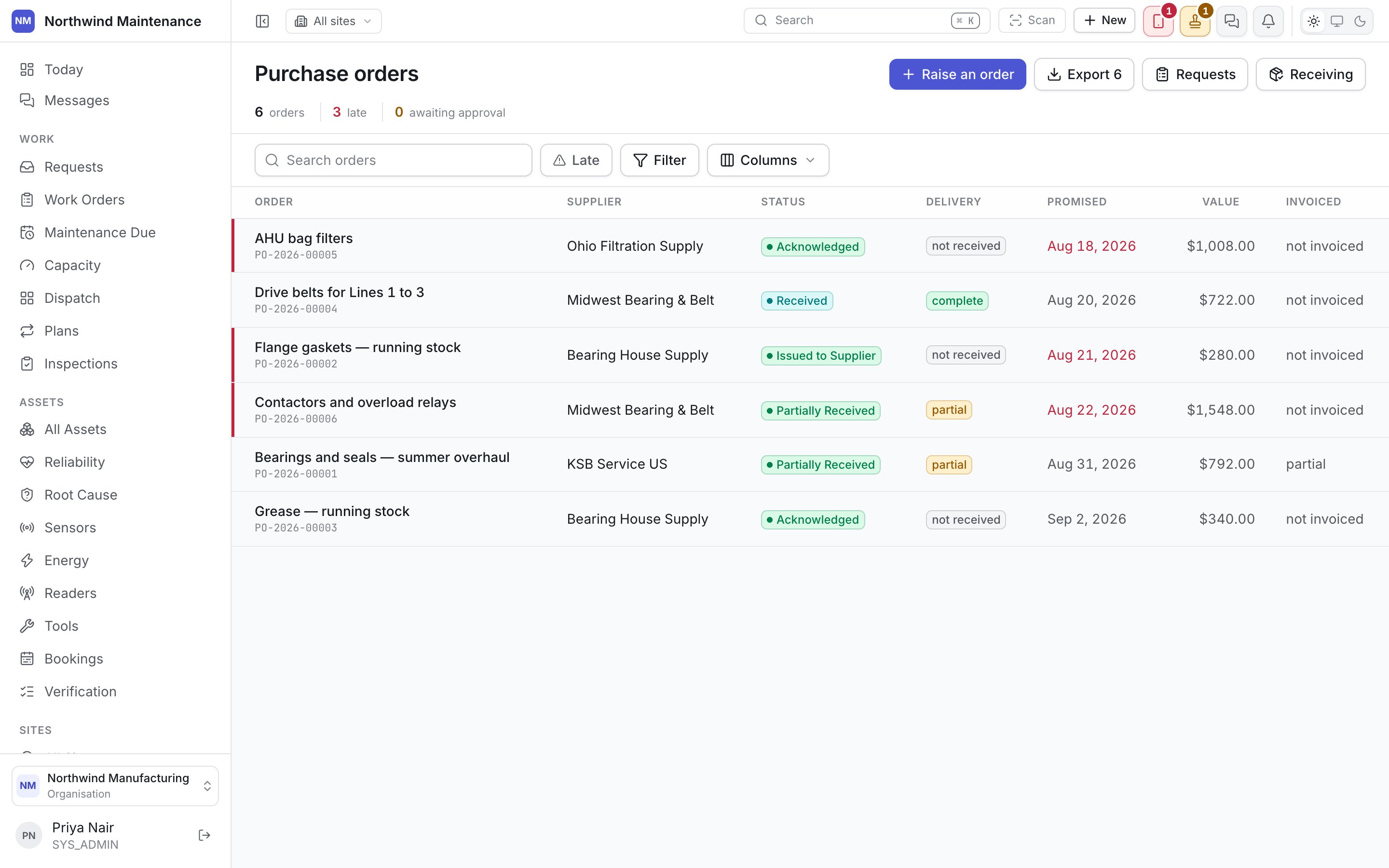
Where a PO comes from
An RFQ award raises one automatically, on the winning quote’s terms. A purchase order can also be raised directly against a vendor, without a competing-quote process, for buys where one is not warranted.PO states
Columns
Tabs
Overview
Overview
The vendor, the order and expected dates, terms, and the request or RFQ it came from, if any.
Items
Items
What was ordered — part, quantity, unit price, and line total. This is the commitment; everything
else on the PO is measured against it.
Receipts
Receipts
Where goods are actually received. Record what arrived, against which line, in full or in part —
the PO moves to Partially Received or Received depending on what is left outstanding.This is the only place receiving happens. There is no separate goods-receipt screen; see
Awaiting Delivery for the list of what still needs this tab visited.
Invoices
Invoices
Supplier invoices matched against this PO, so what was billed can be checked against what was
ordered and what was received. A different document from a
vendor invoice on a job — that one bills work with no order above
it, and lives on the work order instead.
Documents
Documents
The PO as issued, vendor order confirmations, and anything else on paper that belongs with the
order.
Approval history
Approval history
How this PO itself was authorised — separate from the purchase request’s approval chain, if one
preceded it. See Approvals.
Receiving less than was ordered is not an error state. Partially Received is a normal, expected
stop on the way to Received — most deliveries arrive in more than one shipment.
Creating a purchase order
Usually raised by awarding an RFQ. Raised directly, a PO needs a vendor, the items and quantities, and terms.Awaiting Delivery
Purchase orders placed but not yet fully received.
Vendors
Who a purchase order can be sent to, and whether they are still allowed.