

Today
What is on now: jobs in progress, and jobs due before tonight.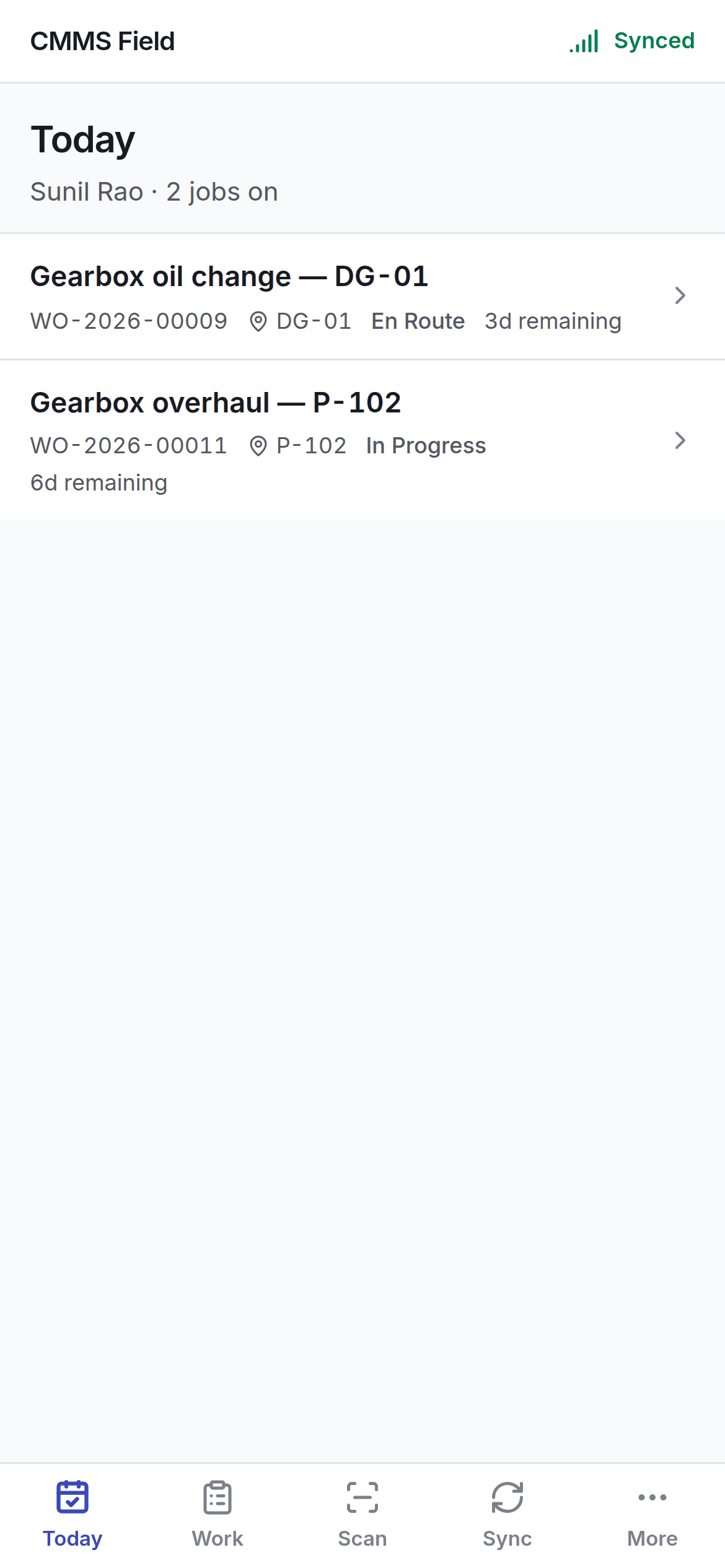
Work
Everything on the handset, not just today’s.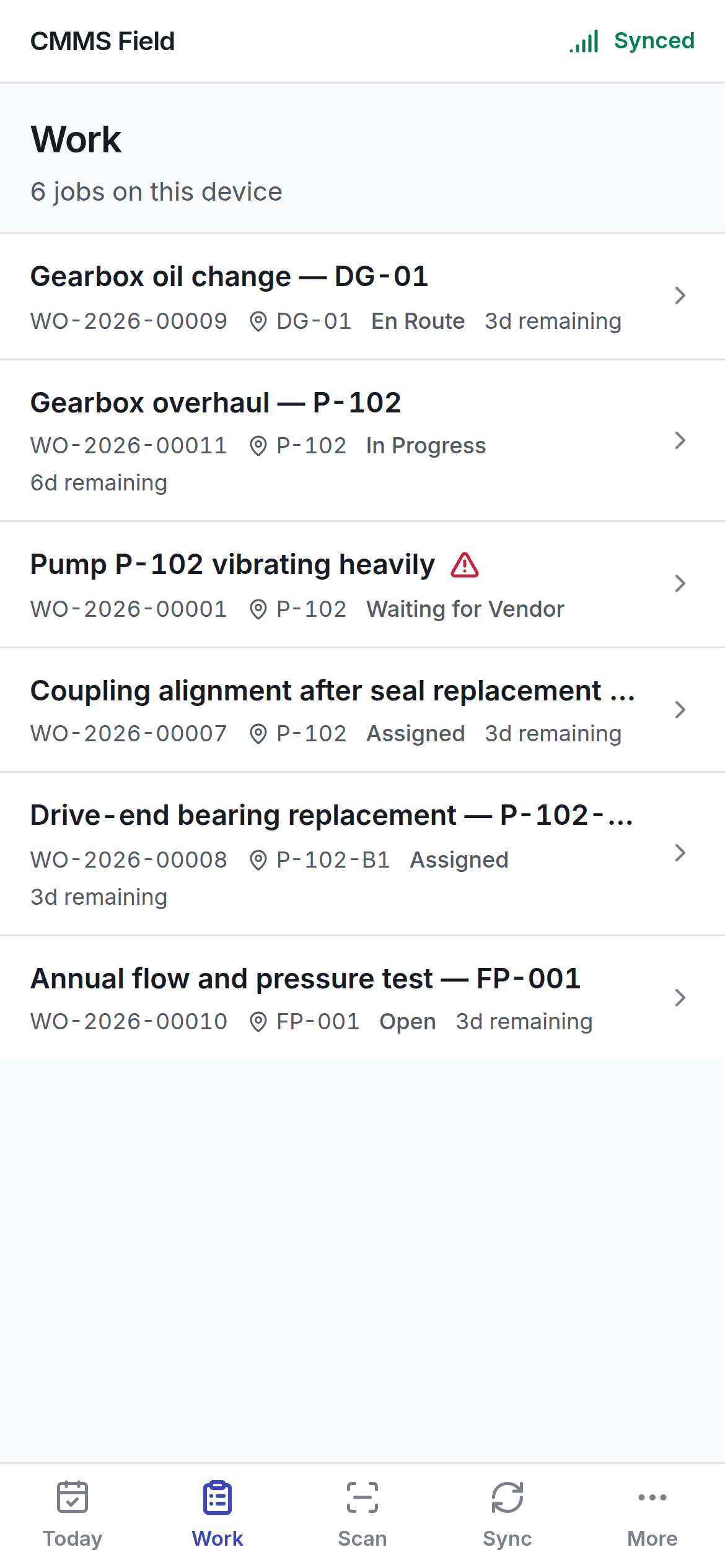
Reading a job row
Each row carries:- The number and what the job is.
- The asset and where it is.
- The status, in your organisation’s own words.
- When it is due, or how long it has been running.
- A warning where the job is short of something.
- A sync chip where you have changed the job and the server has not caught up.
Both lists work offline
Neither screen fetches anything. They read the handset’s own database, so nothing here can fail for want of a network. What you saw at the gate is what you see in the plant room — the only difference is the status chips on rows you have touched since.Getting more work
New work reaches the handset when it syncs. If you expect a job and cannot see it:- Check the Sync tab — the app may not have had signal since it was assigned.
- Check it is actually assigned to you, not just raised.
Opening a job
Working through a job at the machine.