

If you don’t see this in your navigation, your administrator can switch the module on under Administration → Modules, or it may not be included in your plan. The register is part of indoor location, and needs View BLE tags and the assets they are fitted to.
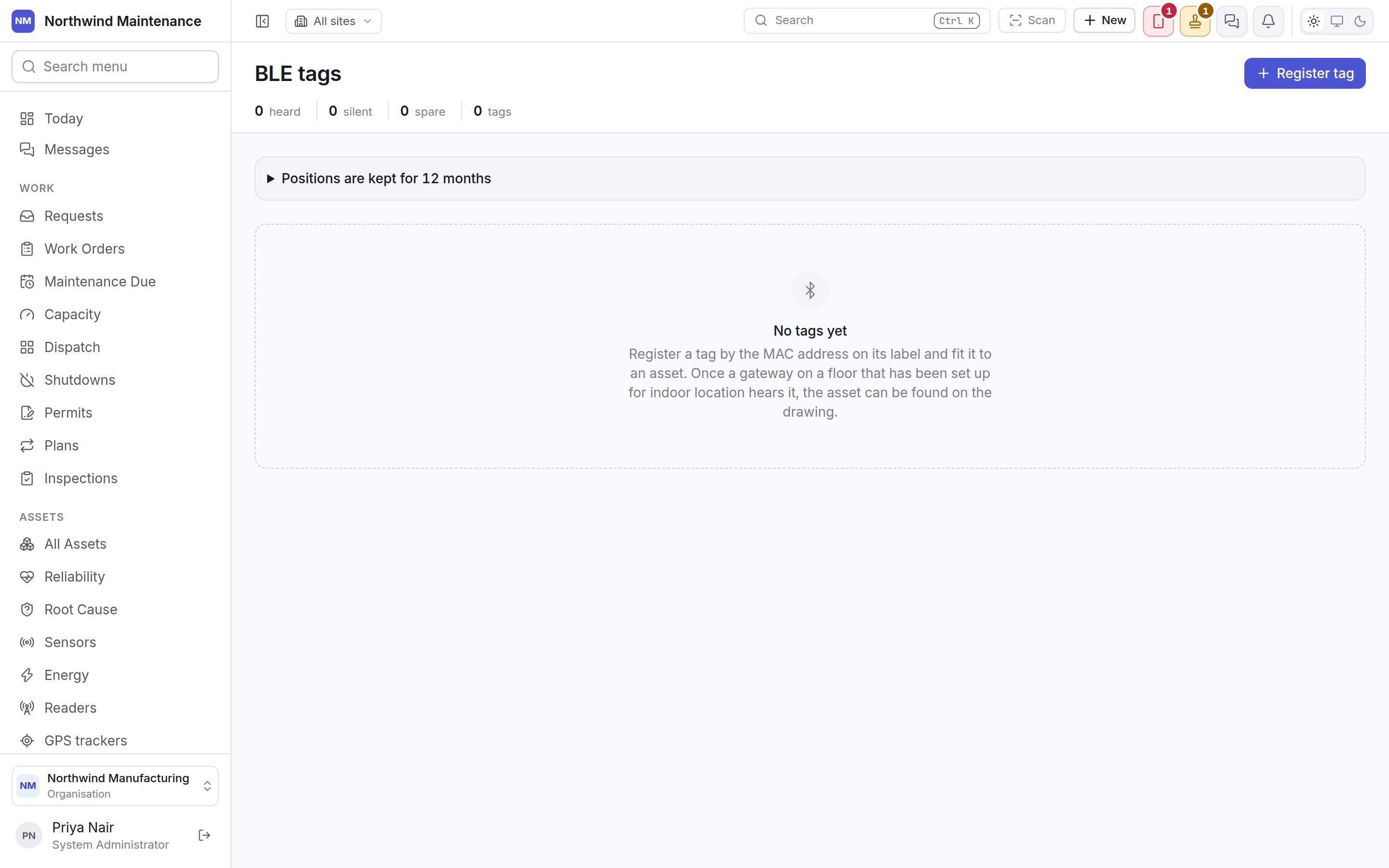
How indoor location fits together
A tag fitted to an asset is what lets that asset appear as a moving dot on its floor plan, and what
lets somebody play back where it went since this morning. Technicians can also walk towards a tag
with the field app: an asset that carries a tag offers Find its BLE tag, and Find a BLE tag on Home lists every tagged asset on the handset — see finding a BLE tag.
The register
The header
How long positions are kept
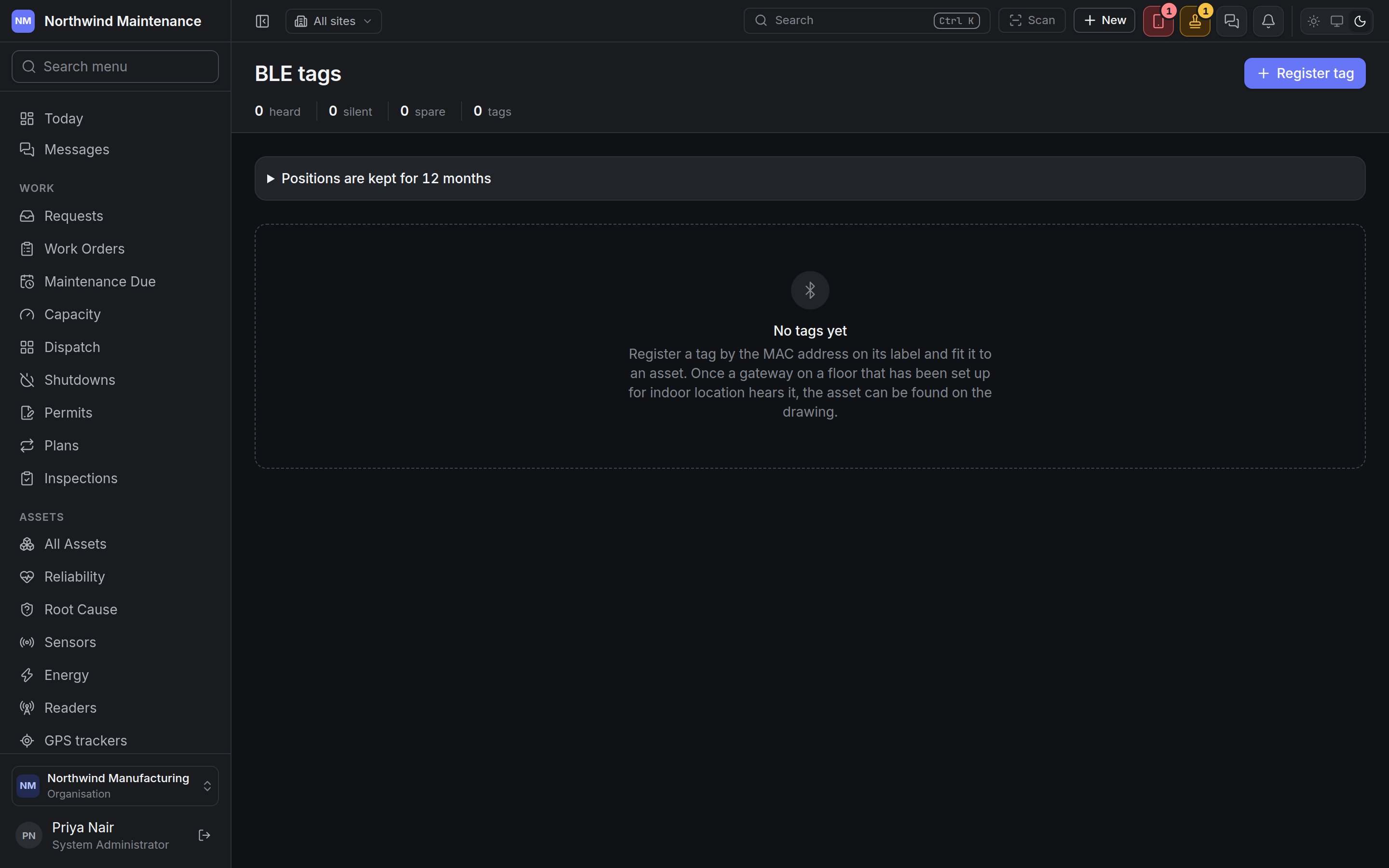
The panel Positions are kept for 12 months (or however long your organisation has chosen) opens to say how long every indoor position worked out from a tag is kept, and the date of the oldest one held. Positions are kept so where an asset went can be replayed on the floor plan, and are forgotten overnight once they are older than this. Where a tagged thing was is often personal data about whoever was carrying or wearing it, so keep what you need and no more.The lists
A tag that has stopped being heard looks exactly like an asset standing still on every other screen, and a flat battery is the commonest way a tag fails, so silent tags are listed first, under Not heard for an hour, with their rows in red. Tags below lists every tag.
The buttons at the right of each row, each an icon:
Removing asks first, above the list. A fitted tag is taken off its asset first; either way its
history is kept, and if a gateway still hears it the reads are treated as a tag nobody has
registered.
Registering a tag
Register tag adds a tag to the register. The MAC address is how every gateway reports the tag, so it is all this needs; the asset can be chosen now or when the tag is fitted.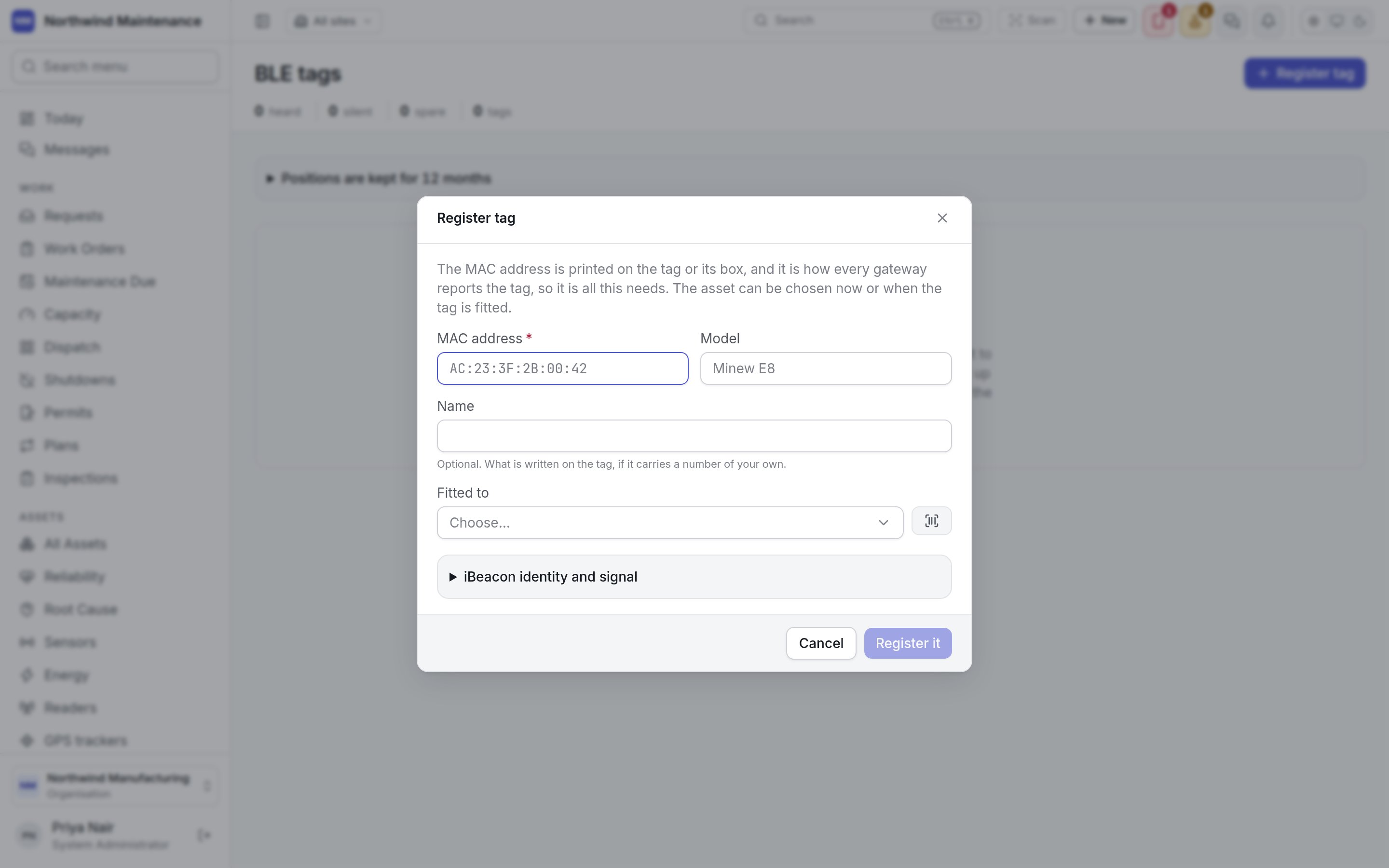
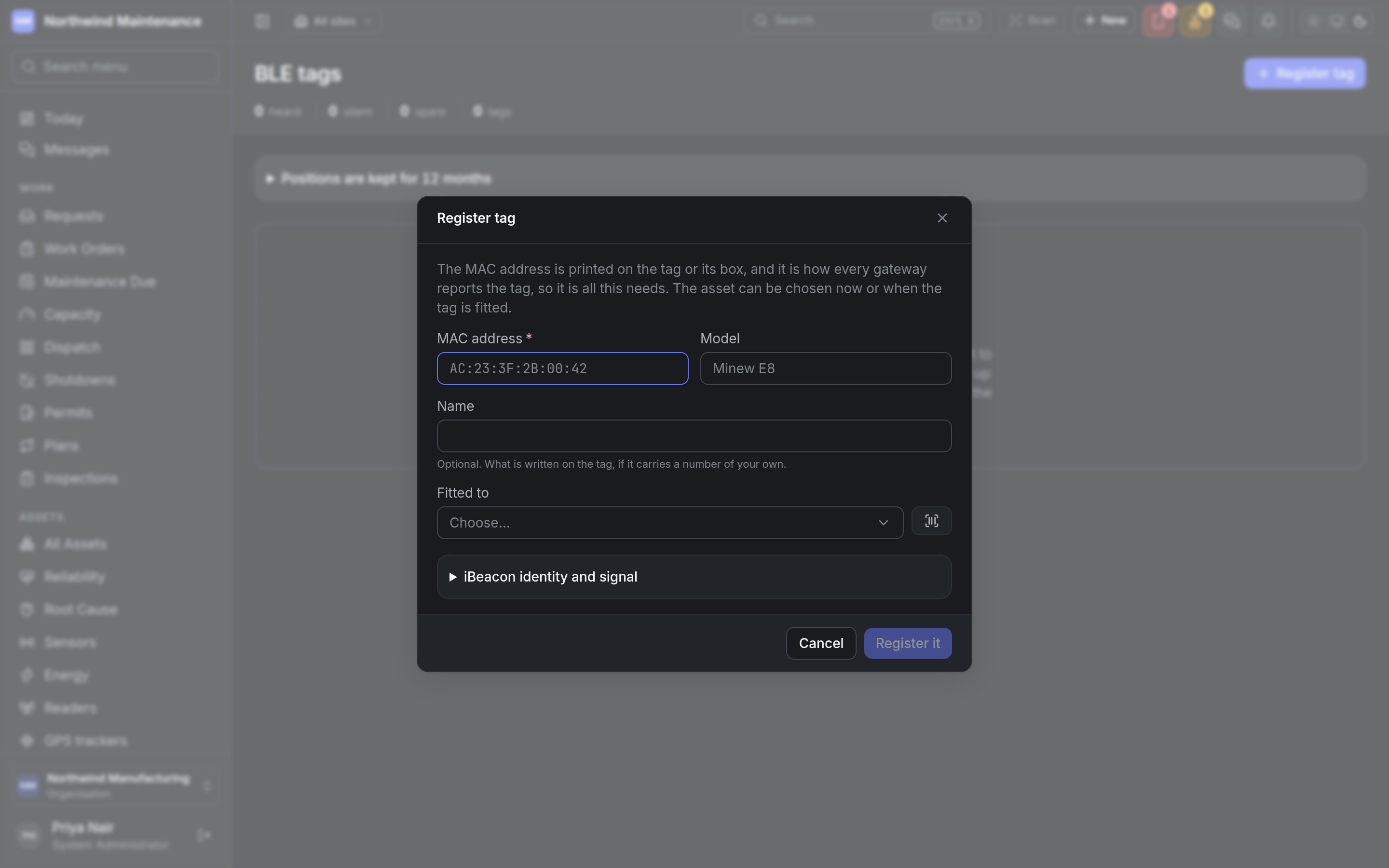
Register it adds the tag, fitted if you chose an asset.
Fitting a tag
An asset carries one tag. Fitting a tag to an asset that already has one takes the old one off, and it becomes a spare. Fit to asset… on a row asks for:
Take off asks Take this tag off? with a Why box — Battery dead, asset scrapped… — and
Take it off. The tag becomes a spare, ready to fit to something else. The time it spent on the
asset stays in its history, so where the asset was while it carried the tag can still be answered —
and a year later, “battery dead” is the answer to why a tag went quiet.
On an asset
Fitting is usually done standing beside the machine with the tag in your hand, so it is offered on the asset screen itself, beside Where it has been.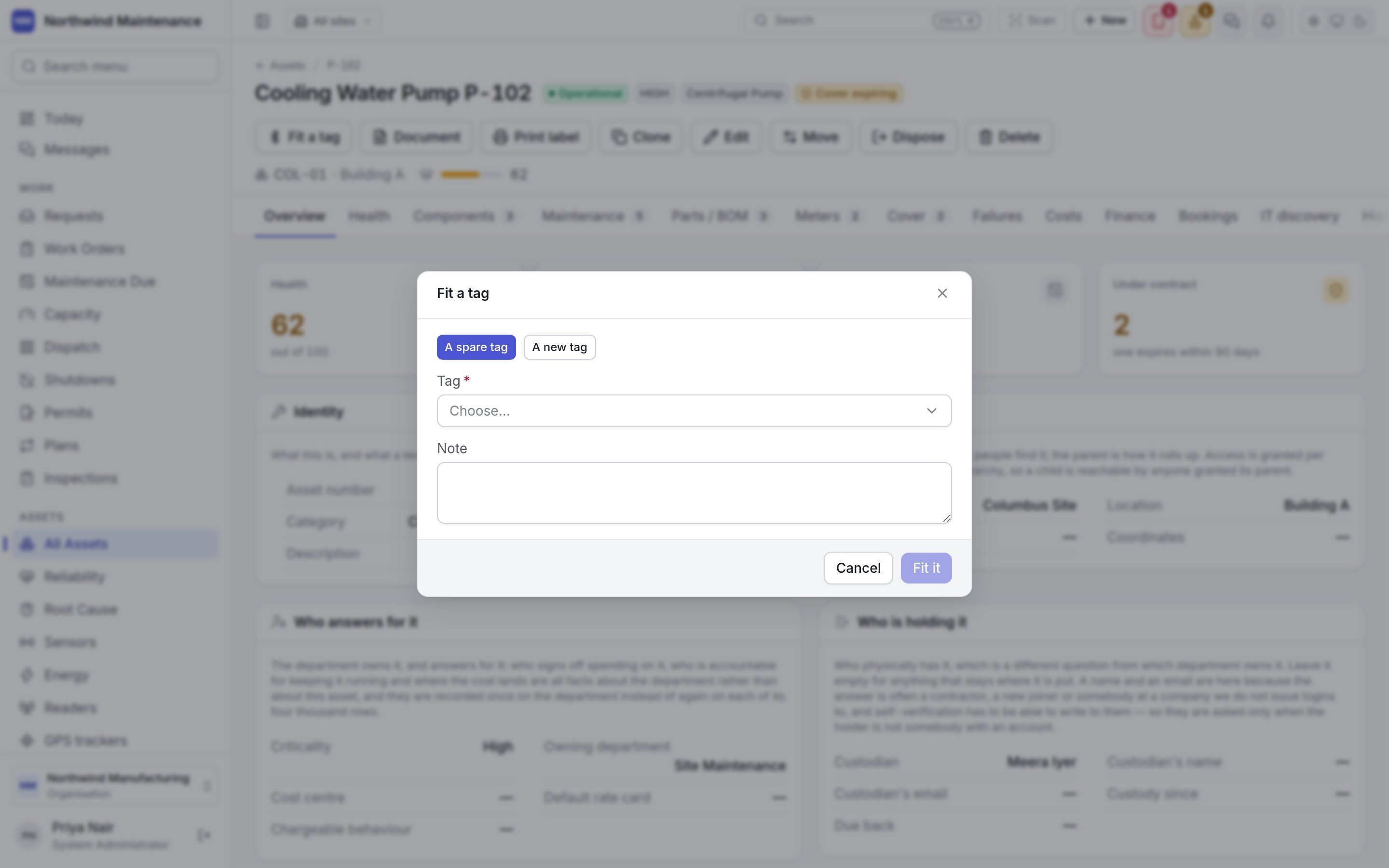
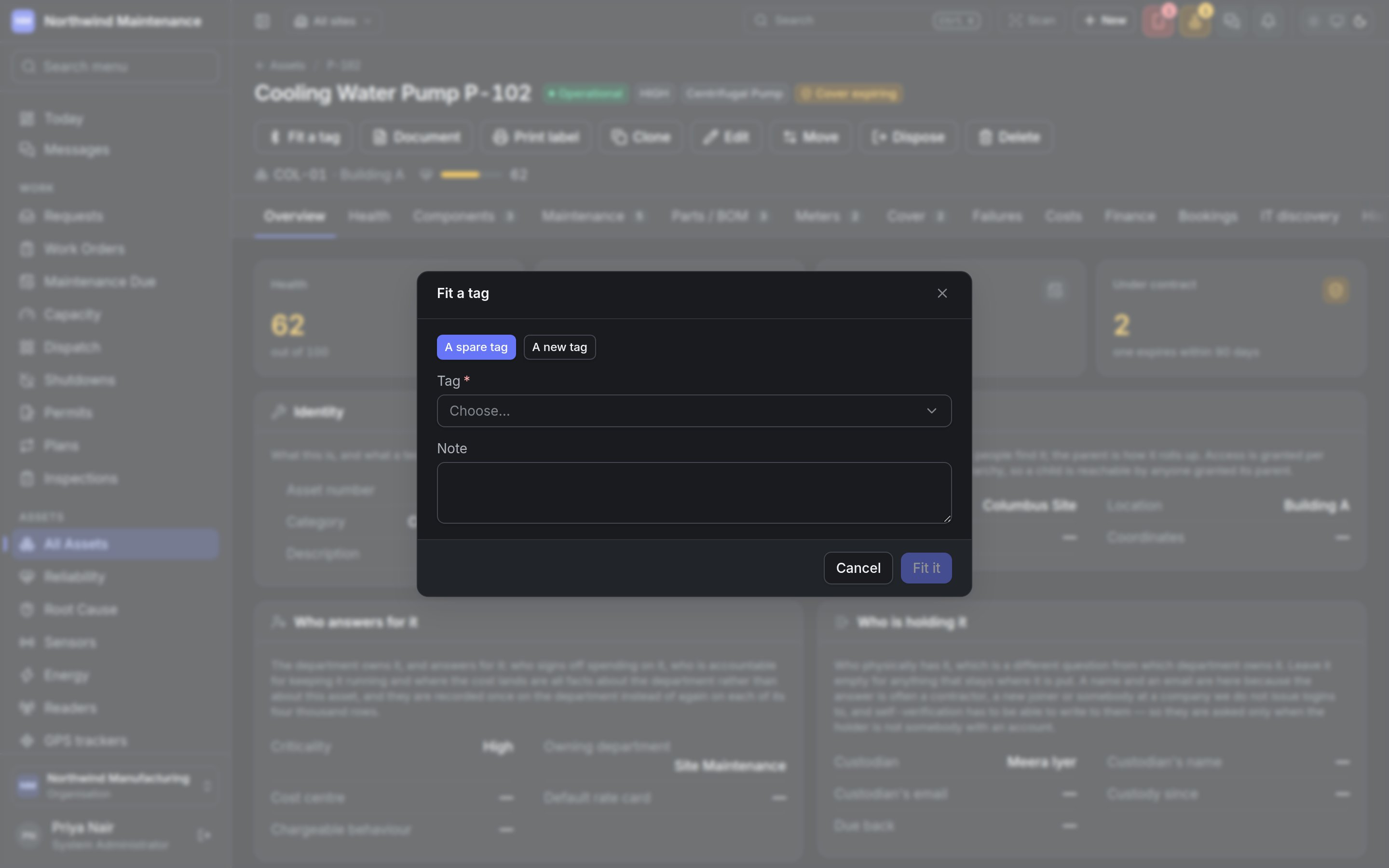
Fit it fits the tag. When the asset already carries a tag, the dialog says first that the new one
replaces it and the old one becomes a spare.
Editing a tag
Edit tag opens the tag’s own settings. The asset it is on is not changed here — that is done by fitting and taking off, so every move is written down.Finding a tag from an iPhone
An iPhone cannot see a tag’s MAC address, so the field app on an iPhone can find a tag only by its iBeacon identity — its UUID, major and minor. A fitted tag without one reads not findable from an iPhone on the register, and the asset’s tag dialog says so too. Record the identity from the tag’s configuration app, under iBeacon identity and signal when registering or under Edit tag afterwards. Android phones can find a tag by its MAC address alone.Who can do what
Permissions are granted under roles.
GPS trackers
The outdoor counterpart: trackers on vehicles and plant, their trips, and the areas they report
entering and leaving.