

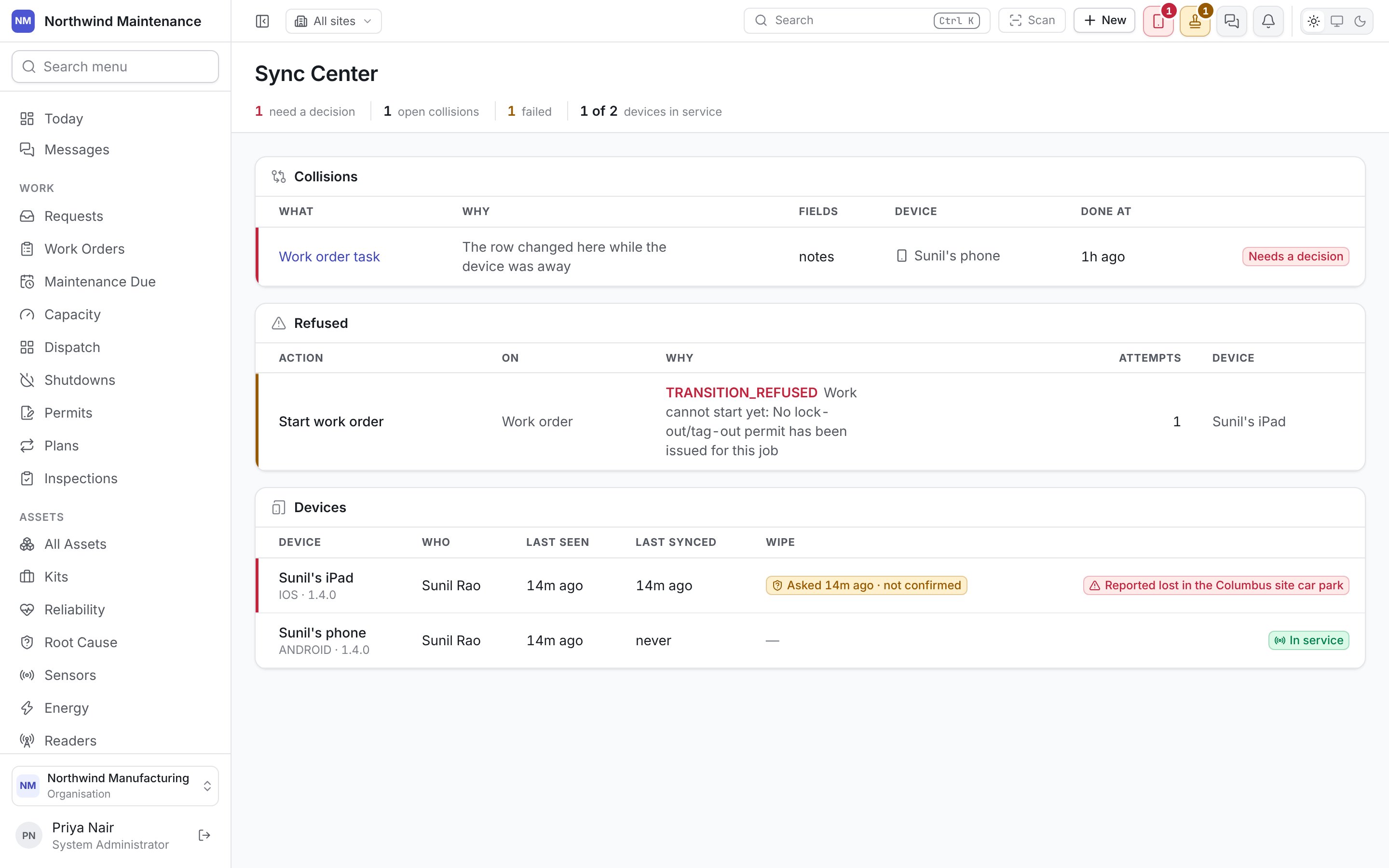
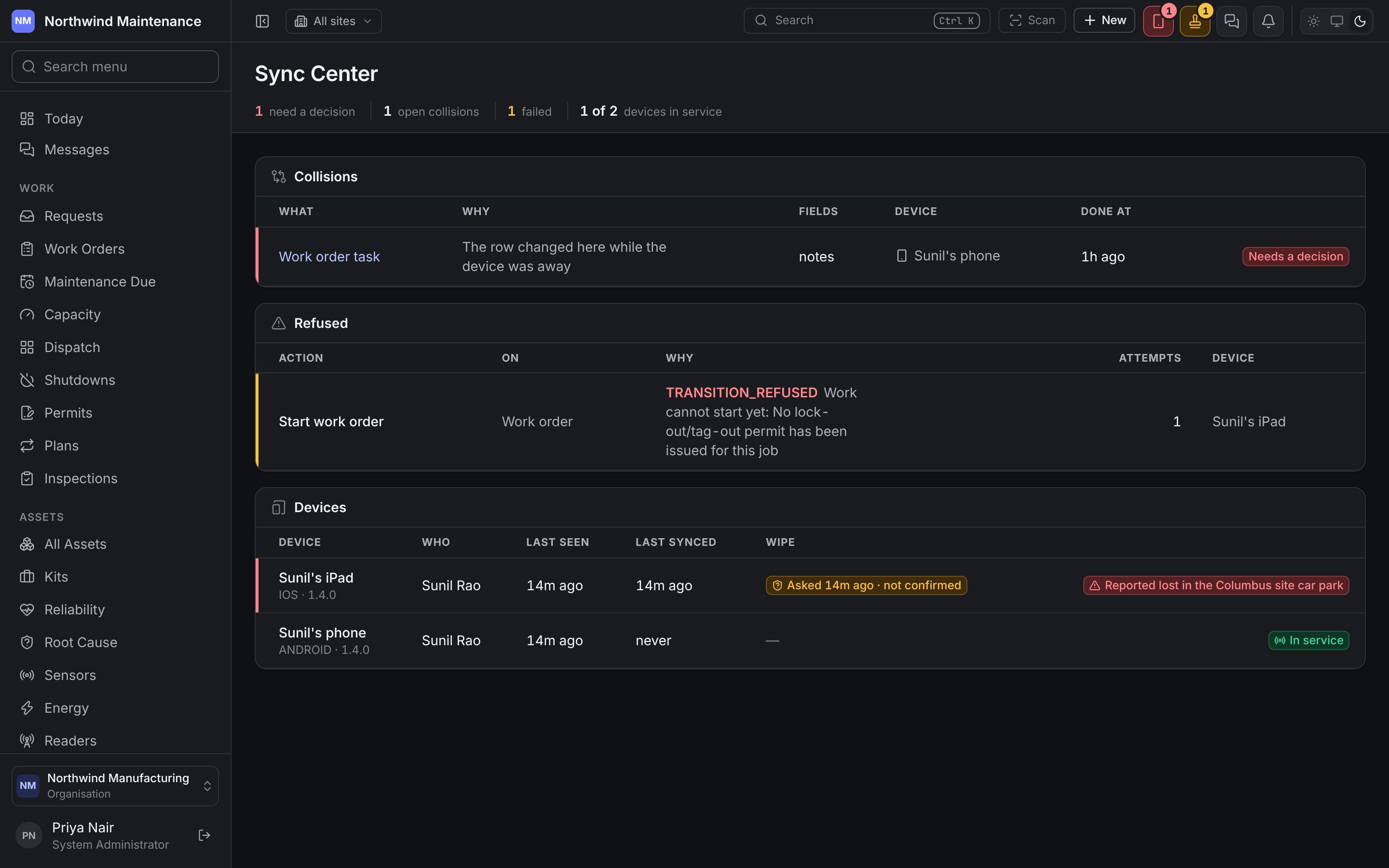
Opening it
The handset icon in the web app’s header, beside the approvals and messages icons, opens a From the field panel with a badge counting what needs a decision. The panel lists open collisions (with Nothing collided — a rule can settle this where that applies) and links to the Sync Center; when nothing is stuck it says so. The icon and the screen are for people allowed to edit work orders, because resolving a collision is a change to the work order it is about.The counts
Collisions
A collision is two accounts of the same record: a handset changed it while offline, and somebody changed it on the server in the meantime. It waits for a person indefinitely, which is why it comes first.
With none open, the table says Nothing is in collision — every queued change has applied or is waiting for a network, and nothing has been overwritten.
Refused
Changes the server turned down, each with the Action in words (for example Start work order), the record it was On, Why (the error code and the server’s sentence), how many Attempts and the Device. These were also shown to the technician on their own Sync tab, where they can try again once whatever blocked it has moved. When nothing is refused the table says so, and counts any changes held back behind a collision above.Devices
Every handset that has signed in, most recently seen first. Only the installed phone and tablet app enrols a device; the field app refuses to run in a web browser, so the list is the handsets you actually have to look after rather than one row per browser that once opened the field app’s address.
The Sync Center lists devices; it does not revoke them. A person who has lost a handset revokes it from Your devices on their own profile in the web app with I no longer have this, which ends the device’s access straight away — every request it makes afterwards is refused, reads included — and tells it to destroy its copy the next time it connects. That immediate cut-off is what makes it safe for a handset to stay signed in for weeks at a time. Anything it had queued and not sent is lost — which is the point when a handset is gone.
Resolving a collision
Open a collision from the table or the header panel.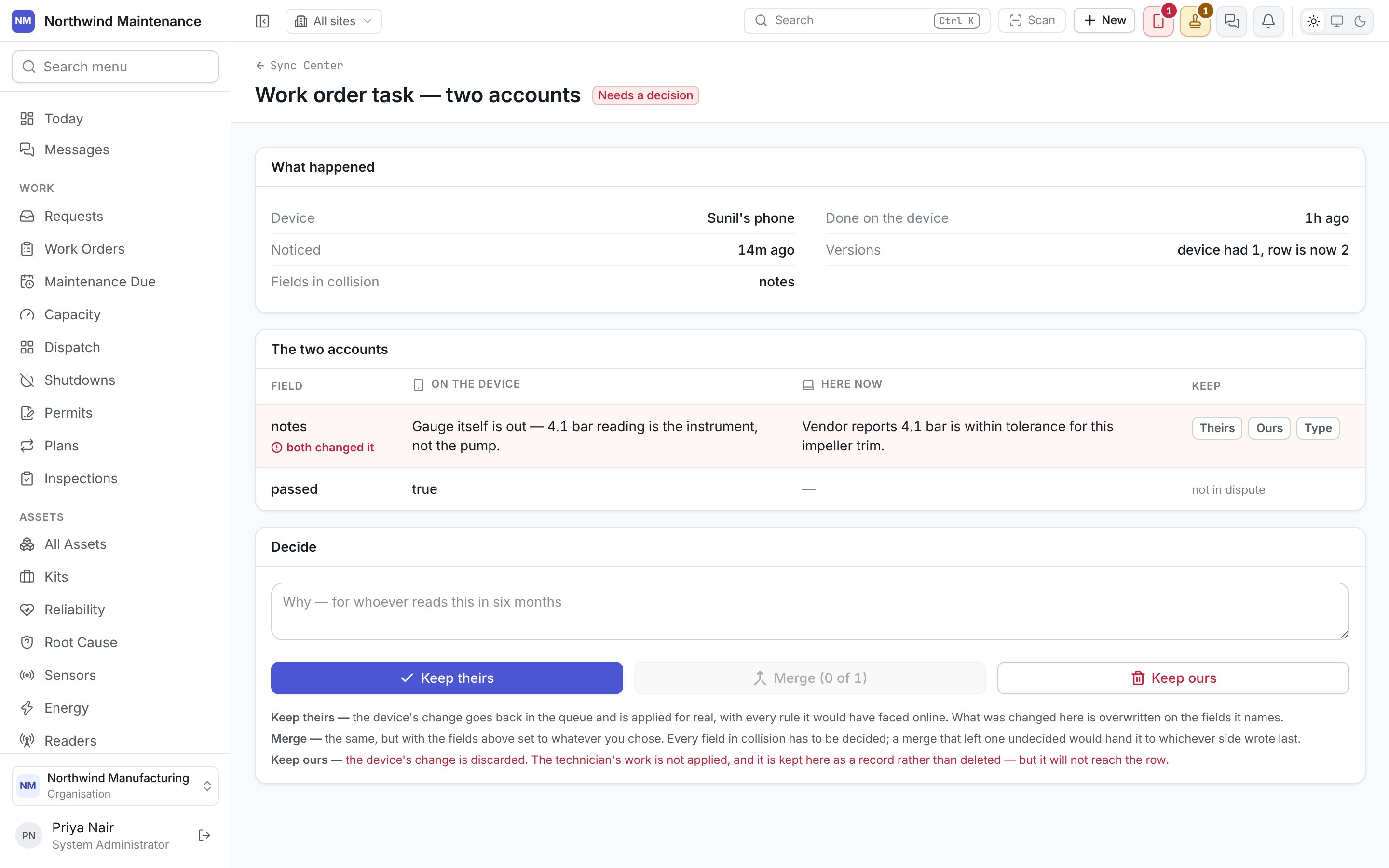
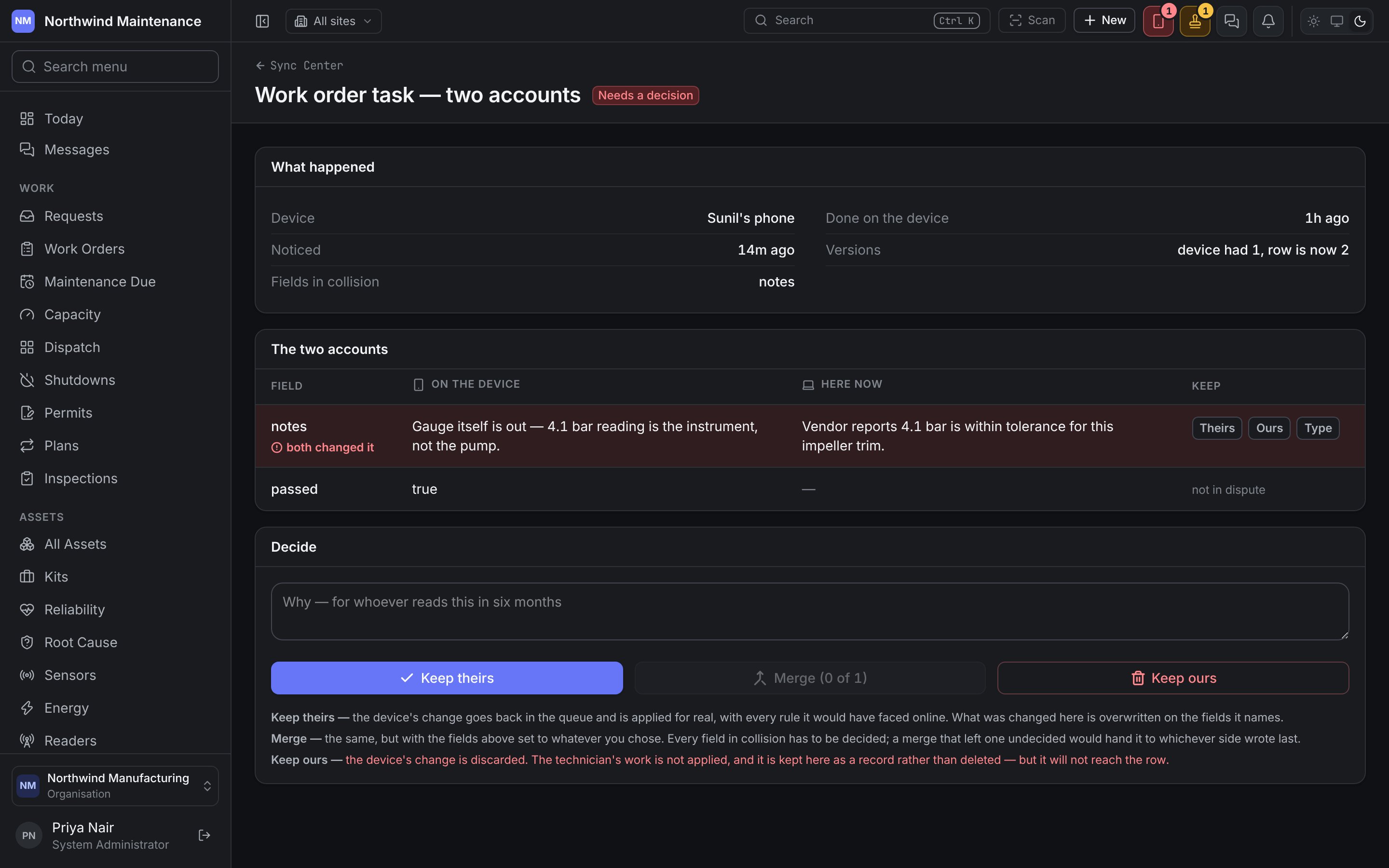
What happened
Where nothing actually collided, the section says the device and the server changed different fields, so there is nothing to arbitrate.
The two accounts
A row per field the handset sent: Field, On the device, Here now (or Here now — deleted), and Keep. A field both sides changed is marked both changed it; a field only the handset changed is not in dispute and simply applies. For each field in dispute, choose under Keep:Decide
Write Why — for whoever reads this in six months, then choose:
After resolving, The operation is back in the queue (for the first two) and the page shows How it was settled — who decided (or that it was automatic), when, and the choice made for each field. A resolution is a decision with an author, not a silent overwrite.
Offline and sync
What the technician sees on the handset.