

If you don’t see this in your navigation, your administrator can switch the module on under Administration → Modules, or it may not be included in your plan.
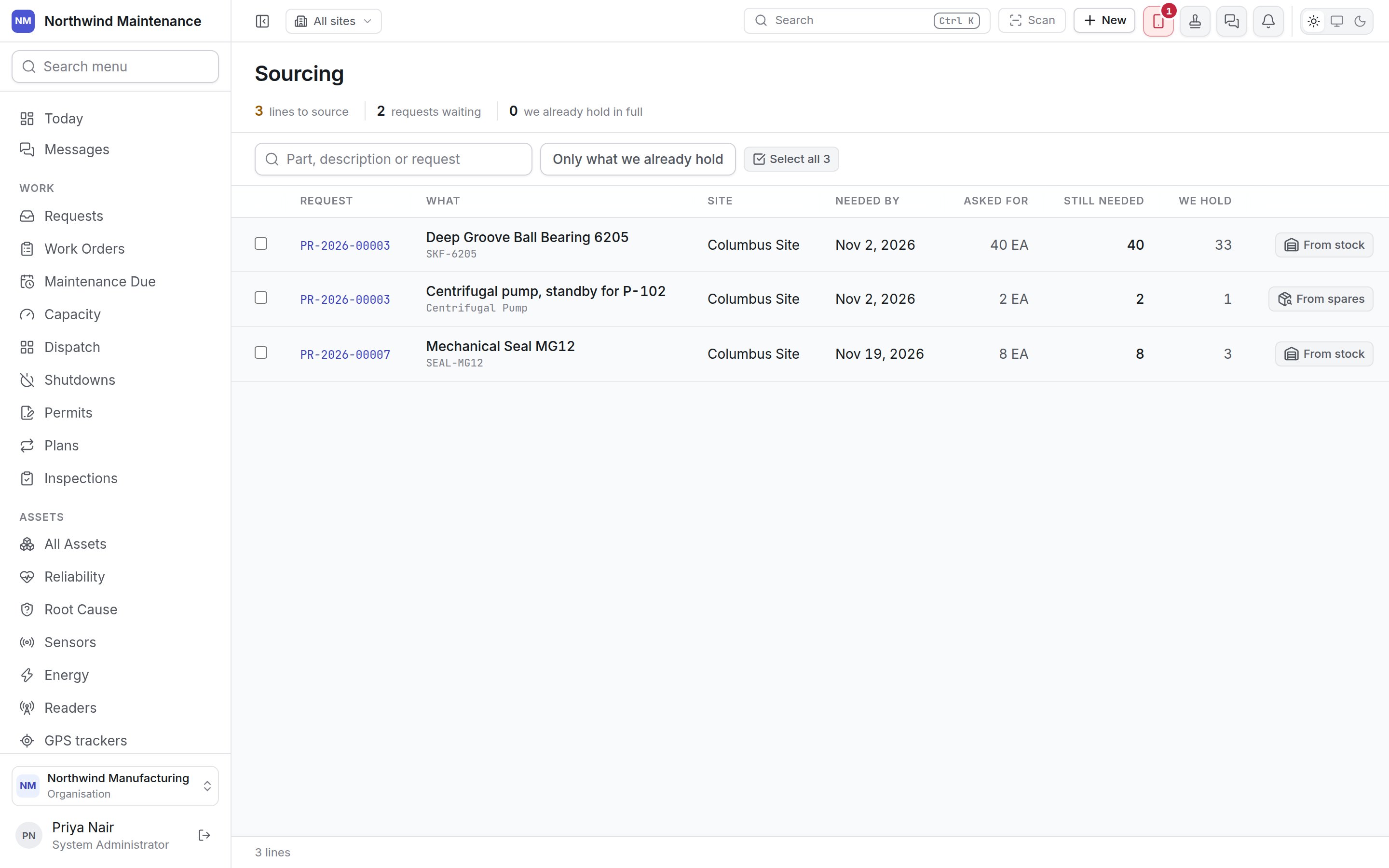
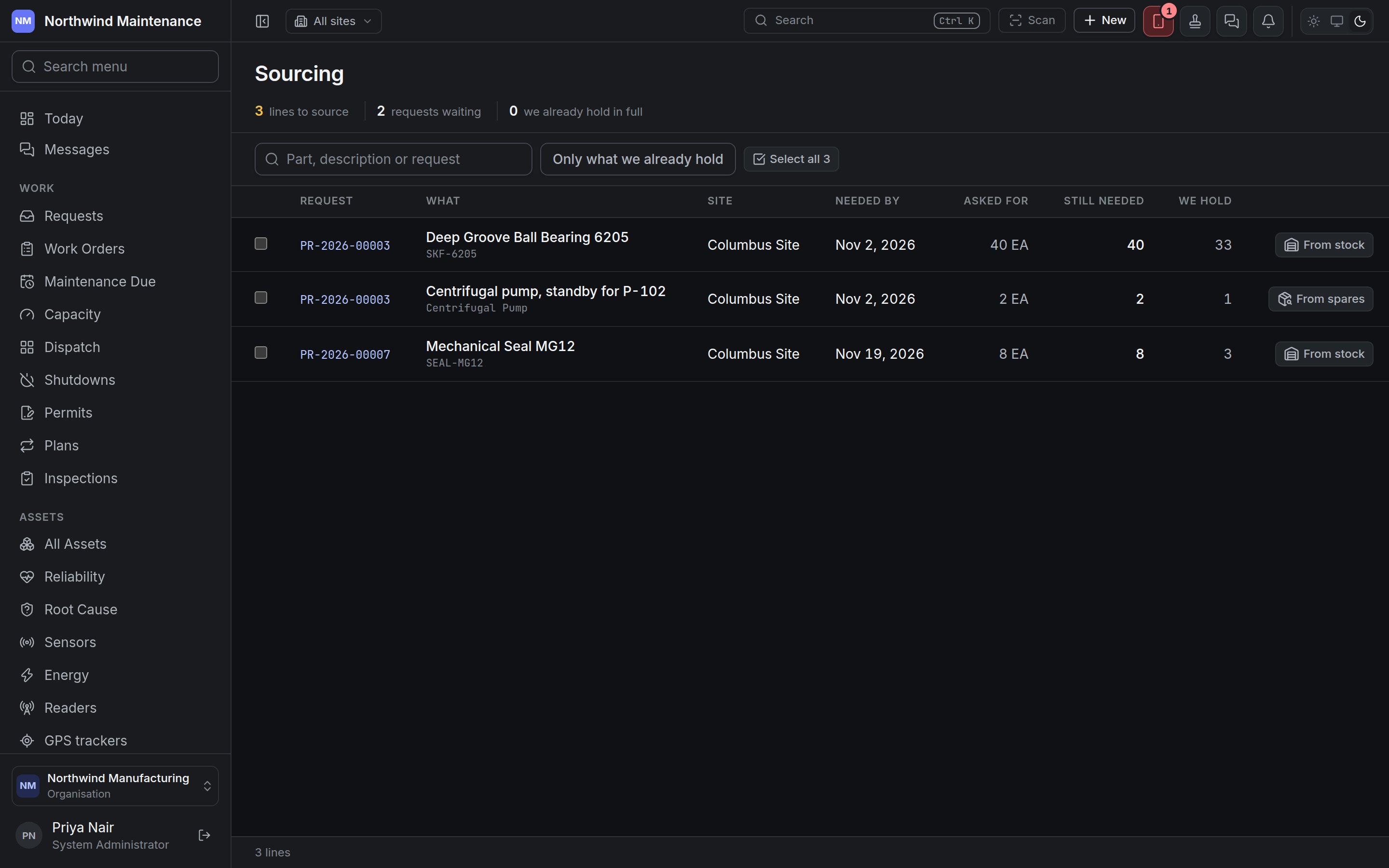
How a line gets here and leaves
A line appears the moment its purchase request reaches Approved. It stays until everything it asked for is accounted for, in any mix of:- ordered — on a purchase order, directly or after an RFQ
- answered from stock — reserved or issued from one of your stores
- allocated a spare — a spare asset you already own promised to it
- closed short — called off with a reason, from the request itself
Stat strip and toolbar
Columns
Answering a line from stock
From stock appears on a catalogue part line when a store holds some of it. It opens Answer from stock.
The confirm button reads Reserve it or Issue it to match your choice. If no store holds the part, the dialog says it has to be bought.
Give it back releases what is still held for the line and puts it back on the shelf. Anything already handed over stays out — that comes back as an ordinary stock return. You are asked why, for example The request was cut back.
Allocating a spare
From spares appears on a line asking for an asset of a named kind (the What kind of asset on the request line) when an unpromised spare of that kind exists in your asset register. A line asking for an asset with no kind named is never offered spares, because nothing says what to look for. Give it a spare lists the spares by asset number and site; tick up to the quantity the line still needs and click Allocate. Take a spare back releases an allocation, again with a reason.Asking for quotes or ordering from a selection
Tick one or more lines, then use the bar that appears above the table: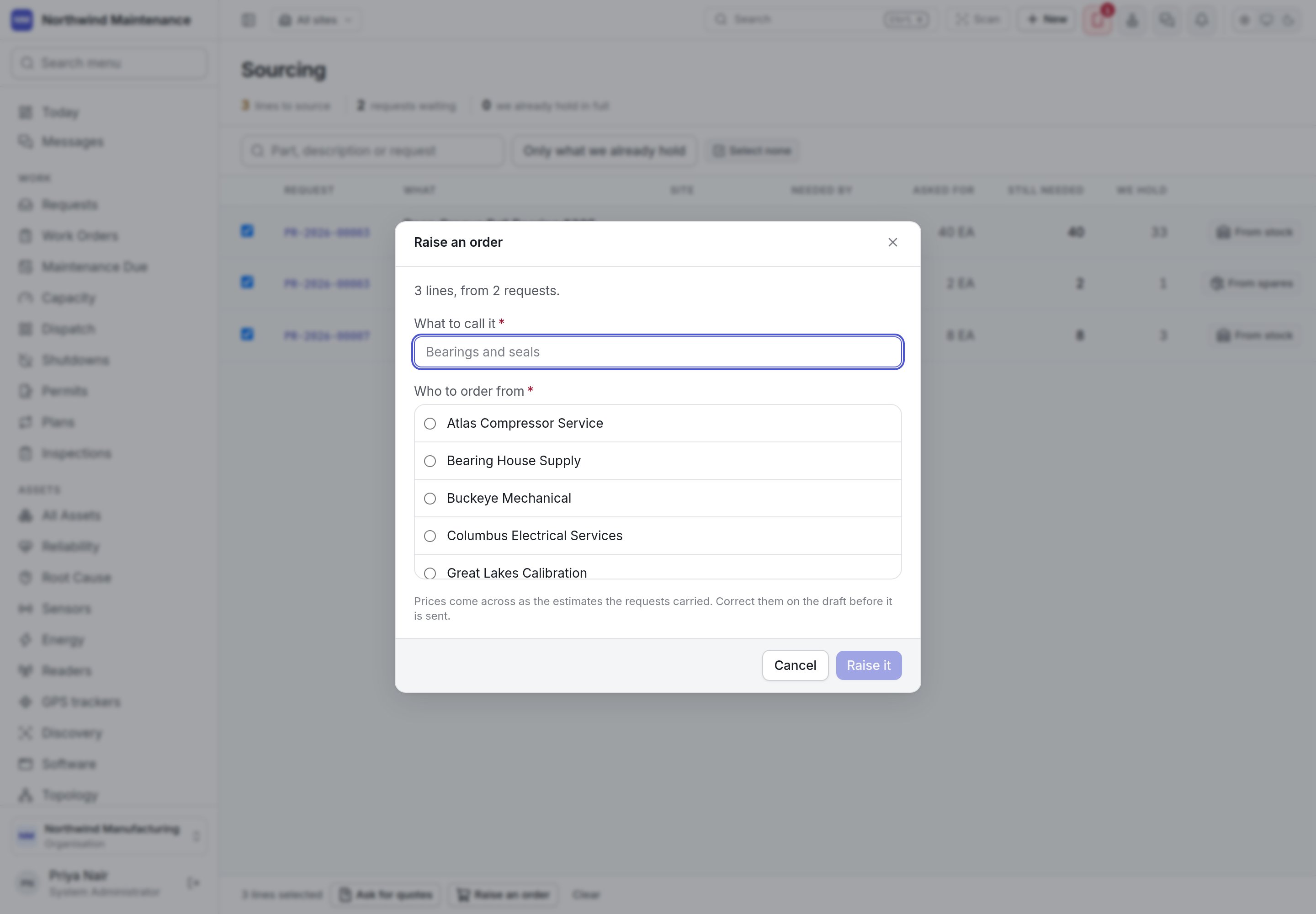
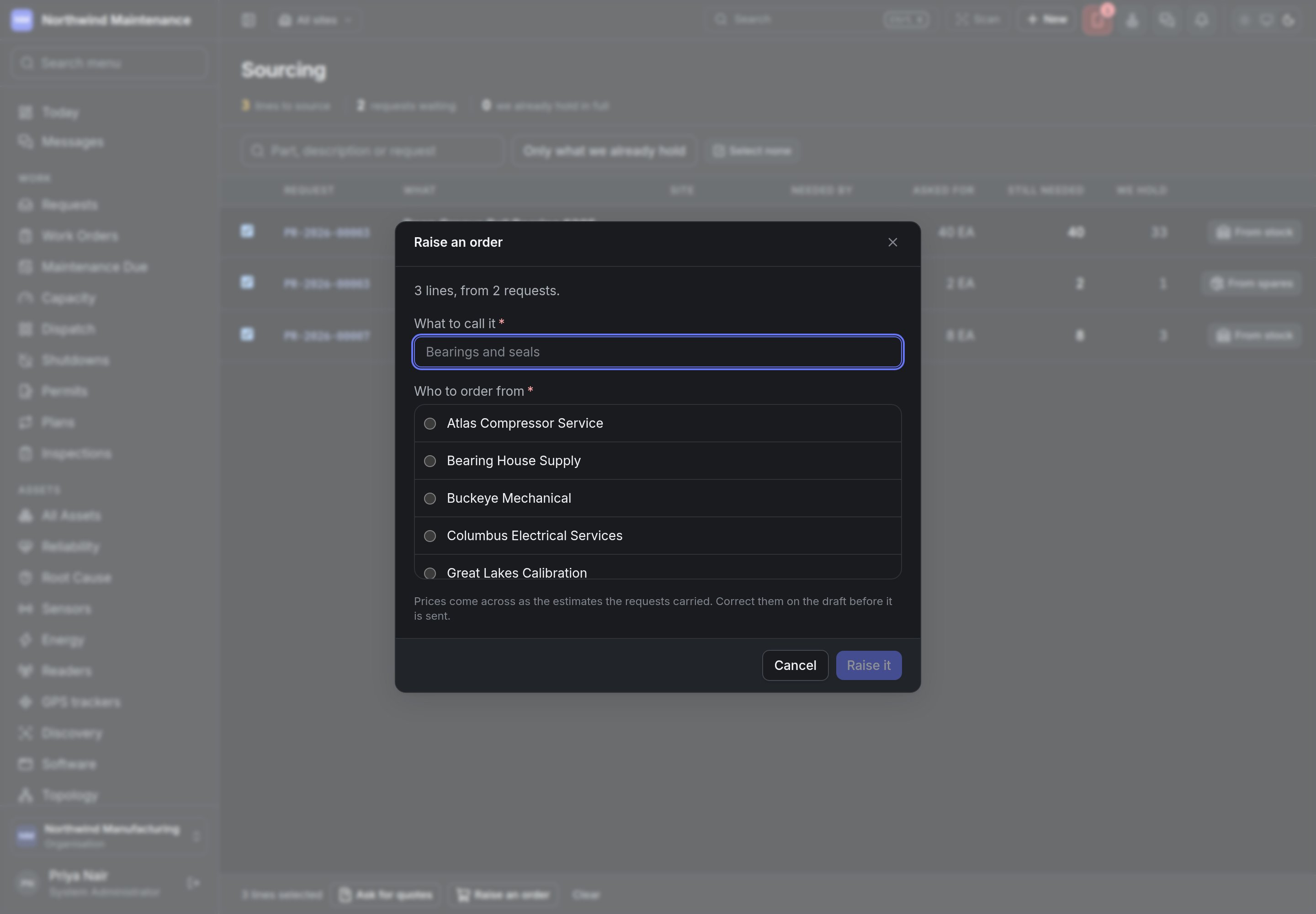
One document belongs to one site, so if the ticked lines are for more than one site the dialog asks you to narrow the selection first. On an order, prices come across as the estimates the requests carried — correct them on the draft order before it is sent. Click Send the enquiry or Raise it; you land on the new document.
Closing a request short
When the rest of a request will never be bought — the part is obsolete, the job was cancelled — open the request and use Close short in its Sourcing section. Stop looking for the rest records every line still asking as unsourced, with your reason (for example No supplier carries it any more), and the request finishes. What it asked for is left as it was, so the shortfall stays on the record.Who can do what
Purchase requests
Where the lines on this queue come from.
Purchase orders
Where a sourced line becomes a commitment.