

You need permission to make bookings to raise one, and permission to edit bookings to change one. Without it the screen says Making bookings is not open to you or Changing bookings is not open to you. The form books assets only, so it needs the asset module as well as bookings.
Opening it
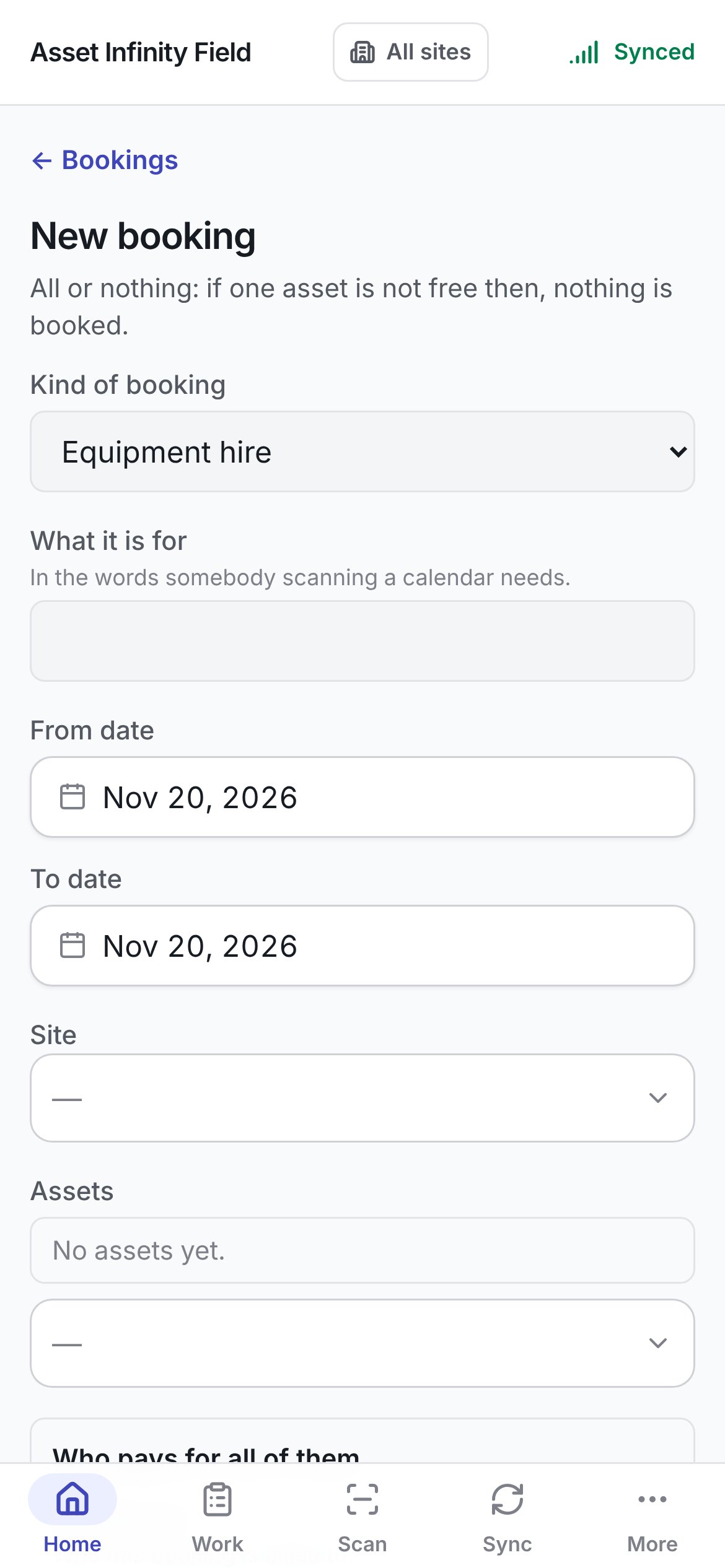
The form
The heading says All or nothing: if one asset is not free then, nothing is booked. The whole booking is sent in one go: if one asset is already taken on those days, nothing is booked, and the server’s reason is shown above the button, naming the asset.Who pays
Book it sends the booking and opens it, ready to confirm or hand over. It stays greyed until the booking has a title, at least one asset, a kind, valid dates and a payer.
Changing a booking
Edit on a booking that has not been handed over yet — one that is Awaiting approval, Booked or Confirmed — opens the same form, headed Change . ← The booking goes back to it. It opens on the booking as it stands, with these differences:
The heading explains All or nothing. A line on days that did not move is kept as it is; one whose days moved is booked again, and refused if they are taken. A line kept as it is keeps the rate card and terms it was booked on.
Save changes sends it and opens the booking. If something on the booking has been handed over since you opened the form, it says Something on this booking has been handed over, so it can no longer be changed. Keep it longer from the booking instead.
Booking needs a connection. Whether an asset is free on Thursday is a question about now, so the form is sent straight to the server and never queued. Without a signal the button stays greyed with Needs a connection under it, and a send that loses its signal says No signal, so nothing was changed. Try again when you have one.